Cookies for analytics and advertising
We use cookies for analytics and advertising, both sent to Google. Refusing changes nothing you can see.Read the privacy page
Converting a WebP to AVIF is the second migration for a site that already moved off JPG and PNG, and it is the one worth measuring rather than assuming. AVIF wins convincingly on flat, edge-heavy images; on continuous tone at a moderate quality it can produce a larger file than the WebP it came from.
Up to 100 files at once. Mixed formats are fine.
They convert one after another and download together as a ZIP.
WebP to AVIF


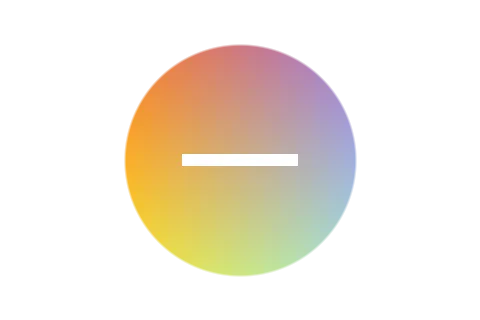
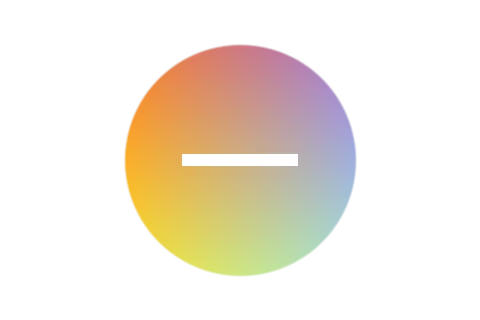
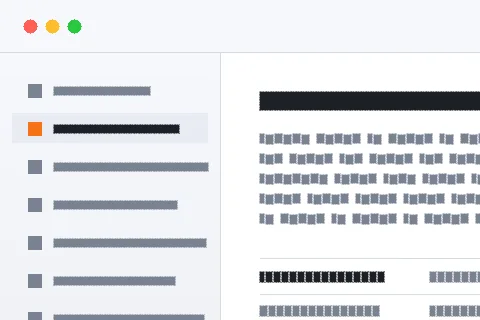
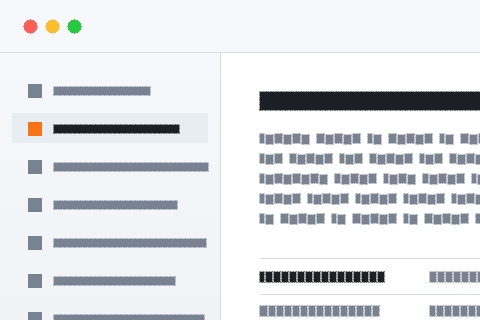
This site keeps three sample scenes and encodes them through the same pipeline this page uses, so the byte counts are what this converter produces rather than what some benchmark elsewhere reports. At 480 by 320 and the default quality: the flat graphic is 4,428 bytes as WebP and 3,494 as AVIF; the screenshot-like scene is 10,830 as WebP and 5,081 as AVIF; and the photograph is 14,700 as WebP and 17,599 as AVIF.
The photograph is the one that matters, because a photograph is what most image budgets are made of. AVIF lost there by twenty per cent. That does not make the format bad — at lower quality settings and on larger images the ordering commonly reverses, and AV1’s advantage grows with resolution — but it does make "AVIF is thirty per cent smaller than WebP" a claim to test on your own assets rather than to act on. Convert five representative images before converting five thousand.
The pattern in those numbers is not random. AV1’s intra prediction is unusually good at large regions of near-constant colour separated by hard boundaries, and it has more block partitioning and more prediction modes to spend on getting an edge exactly right than WebP’s VP8-derived coding does.
That describes interface screenshots, diagrams, charts, illustrations, product shots on plain backgrounds, and anything with type in it — which on a typical site is a large share of the image count even when it is a small share of the bytes. Those are the assets to convert first, and the conversion pays for itself twice: they get much smaller, and they were the images where WebP’s artefacts were most visible in the first place. Photographic hero images are the ones to measure individually.
The conversion decodes the WebP to pixels and encodes those pixels as AVIF. If the WebP was lossy, its own artefacts — smoothed flat areas, ringing along hard edges — are part of the picture now, and the AVIF encoder spends bits describing them faithfully while adding a second layer of its own.
At quality 82 that is not dramatic and it is not free either, and it is usually avoidable. Most sites still have the original PNG or JPG in the repository, in a design tool, or in an asset system, and encoding AVIF from that source produces a cleaner and often smaller file than encoding it from the WebP. This page exists for the case where the WebP genuinely is the only copy left — a CDN-converted asset, an inherited site, a folder someone tidied — and in that case it does the job. Where the original survives, use it.
WebP is supported by every current browser. AVIF is supported by modern ones, which is a different statement: an older device, a locked-down corporate machine, an in-app browser or an unusual client can land on the page and get nothing at all, because an image that cannot be decoded is not a degraded image, it is an empty box.
The fix is well understood and cheap. A picture element with an AVIF source and a WebP or JPG fallback costs two extra lines of markup and removes the risk completely; the browser picks the first source it understands and nothing else changes. That does mean keeping both files, which is worth remembering when the reason for the migration was to reduce storage rather than transfer. If the images are going somewhere with no fallback mechanism — an email, an attachment, a colleague’s desktop — WebP remains the safer file to hand over.
AV1 buys its compression with analysis, and the encoder here is libavif compiled to WebAssembly. Converting a WebP to AVIF is noticeably slower than any other pairing in this family — the decode is fast and the encode is not, and on a large image it is seconds rather than milliseconds.
The cost falls in the right place: once, on your machine, at the time you choose, rather than on every visitor. But it changes how a migration is run. A folder of several hundred assets is a job to start and leave rather than watch, and doing it on a phone is not sensible. It is also an argument for converting the assets that benefit most first — the flat ones — and measuring before spending an afternoon on photographs that may come out larger.
Transparency survives cleanly: both formats carry a full 8-bit alpha channel, and AVIF is efficient with it, so cut-out product shots and logos are among the assets where it wins most reliably. Soft edges stay soft and there is no matte or fringe.
What does not happen is any gain in depth or gamut. AVIF can store twelve bits per channel and wide-gamut colour; this pipeline decodes everything to 8-bit RGB, and the WebP was 8-bit to begin with, so there is nothing to promote. Anyone hoping to move a library towards HDR or Display P3 needs to do it from the original captures with tooling that understands profiles, not from an existing set of 8-bit web assets.
The control runs from 1 to 100 and starts at 82, and the same number does not mean the same thing to two different codecs. Because the source is already a lossy WebP, there is a real argument for setting it slightly higher than you would from an original — the encoder is trying to reproduce a picture that already has structure in it that it did not put there.
The practical method is to convert three representative images at 78, 82 and 88 and compare both the bytes and the appearance at the size the page actually displays them. That takes ten minutes and settles the question for the whole library far better than a rule of thumb does. For images with type in them, err high: text on a background is what any lossy codec degrades first and what a visitor notices first.
If the assets are already WebP and the page passes its performance budget, the honest recommendation is to do nothing. The move from JPG or PNG to WebP is the one that produced the large saving; the move from WebP to AVIF is a second-order gain that is sometimes negative, costs encode time, and adds a fallback to maintain.
The cases that clearly justify it are large flat images, image-heavy pages where the aggregate saving is measurable, and sites with a lot of screenshots or diagrams. The cases that do not are small icons, images already under a few kilobytes, and photographic assets where a measurement shows AVIF coming out larger. Where the goal is simply broader compatibility rather than fewer bytes, WebP to PNG or WebP to JPG are the pages for that instead.
Both codecs run in the tab as WebAssembly and are fetched only when a file of that type is dropped, so a batch of a hundred images downloads the encoder once. Nothing about any of the files crosses the network, which matters when the assets belong to a client or to a site that has not launched.
The free limit is 100 MB per file, well beyond any web asset. Drop a folder and each file converts in turn with its own progress row, with the results coming back as a ZIP. An animated WebP in the folder will be refused rather than silently flattened — the decoder here reads still images only — so a mixed folder will produce a few errors and finish the rest, which is the behaviour you want when the alternative is a set of one-frame stills you did not ask for.
| WebP | AVIF | |
|---|---|---|
| Full name | WebP Image | AV1 Image File Format |
| File extension | .webp | .avif |
| Media type | image/webp | image/avif |
| Compression | Either, depending on the setting | Either, depending on the setting |
| First published | 2010 | 2019 |
| Published by | Alliance for Open Media | |
| Specification | RFC 9649 | AV1 Image File Format |
| Licensing | Open standard | Open standard |
| Standing today | Current | Current |
| Bit depth | 8 | 12 |
| Colour it can describe | RGB, YCbCr | RGB, YCbCr, wide gamut |
| Largest image | 16,383 px per side | 65,536 px per side |
| Opens in a browser | Every browser | Current browsers |
| Considered instead | JPG, PNG | JXL, JPG |
Transparency survives. Both WebP and AVIF store an alpha channel, so a cut-out stays cut out and nothing is filled in behind it.
Animation survives. WebP and AVIF both hold multiple frames, so the result moves rather than freezing on the first one.
Current browsers read AVIF; older ones do not. It is the less portable of the two, so it is worth being sure the program at the other end accepts it before sending one.
AVIF is a container rather than a single format. What actually plays is the codec inside it — usually AV1 — which is why two files with the same extension can behave differently on the same device.
GIMP and Squoosh read both WebP and AVIF, so there is a way to check the result against the original without a second tool.
WebP is Google's format, published in 2010. It records 8 bits per channel.
AVIF comes from Alliance for Open Media and dates from 2019, specified as AV1 Image File Format. GIMP, Squoosh and ImageMagick all read it.
No. This conversion runs entirely inside your browser, so the file never leaves your device. You can confirm it yourself: open the network tab of your browser's developer tools and convert something. You will see the page load, plus the analytics and advertising the site is paid for with — and nothing carrying your file. The engine behind this particular pair is jSquash, WebAssembly builds of the reference image codecs; your browser fetches it once and caches it.
No, and this is the finding worth taking away. On this site’s own samples at the default quality: the photograph is 14,700 bytes as WebP and 17,599 as AVIF, while the screenshot-like scene is 10,830 as WebP and 5,081 as AVIF. Flat, edge-heavy content wins big; continuous tone at a moderate quality may not win at all.
Yes. This is a decode-and-re-encode, so the AVIF is a second lossy generation built on top of the WebP’s existing artefacts. It is not catastrophic at sensible quality settings, and it is entirely avoidable if the original PNG or JPG is still in the repository — encode from that instead.
AVIF is supported by modern browsers rather than by all of them, where WebP is supported by every current one. On a public page that means a picture element with a WebP or JPG fallback, which is one extra source line and removes the risk entirely.
AVIF is AV1 still-picture coding and AV1 spends a great deal of computation choosing how to describe each block. The encode dominates the conversion. It is a one-off cost paid at build time rather than by every visitor, which is the right way round, but a large batch is genuinely slow.
Yes. Both formats carry a full alpha channel, so a cut-out asset stays cut out with soft edges intact. AVIF is generally efficient with alpha, which is one of the places it reliably beats WebP.
Yes, if they are what the page currently serves. Keep both and let the picture element choose, or keep the true originals and generate both. Deleting the WebP and shipping AVIF alone trades universal support for a saving that may be negative on some of your images.
This page converts one into the other. If you are choosing rather than converting, WebP vs AVIF answers which to use, for what, and what each is bad at.
The claims this page makes about WebP and AVIF are checkable, and these are the documents that settle them.